


A small business needs four views covered first: the way in, the till or counter, the stock room and the back door or yard. That is four cameras, so a 4-channel kit is the usual start; a second room, a yard or a loading door takes you to 8 channels, and a big unit to 16. Pick the kit by counting places, then check the cable run, the drive and your data protection duties before you order.
Count the places first
Walk the premises with a pencil and mark every spot where someone enters, handles money or stock, or leaves unseen. For a shop or small office that is usually the front door, the till, the stock room door and the back exit. A workshop might swap the till for the bench where tools and materials are kept. Put each camera where it sees the whole area, not just the door handle: a camera looking along the counter shows who stood at it. Keep every camera out of toilets and changing rooms, which the ICO says are areas where CCTV is not usually fair or proportionate.
Which kit fits the count
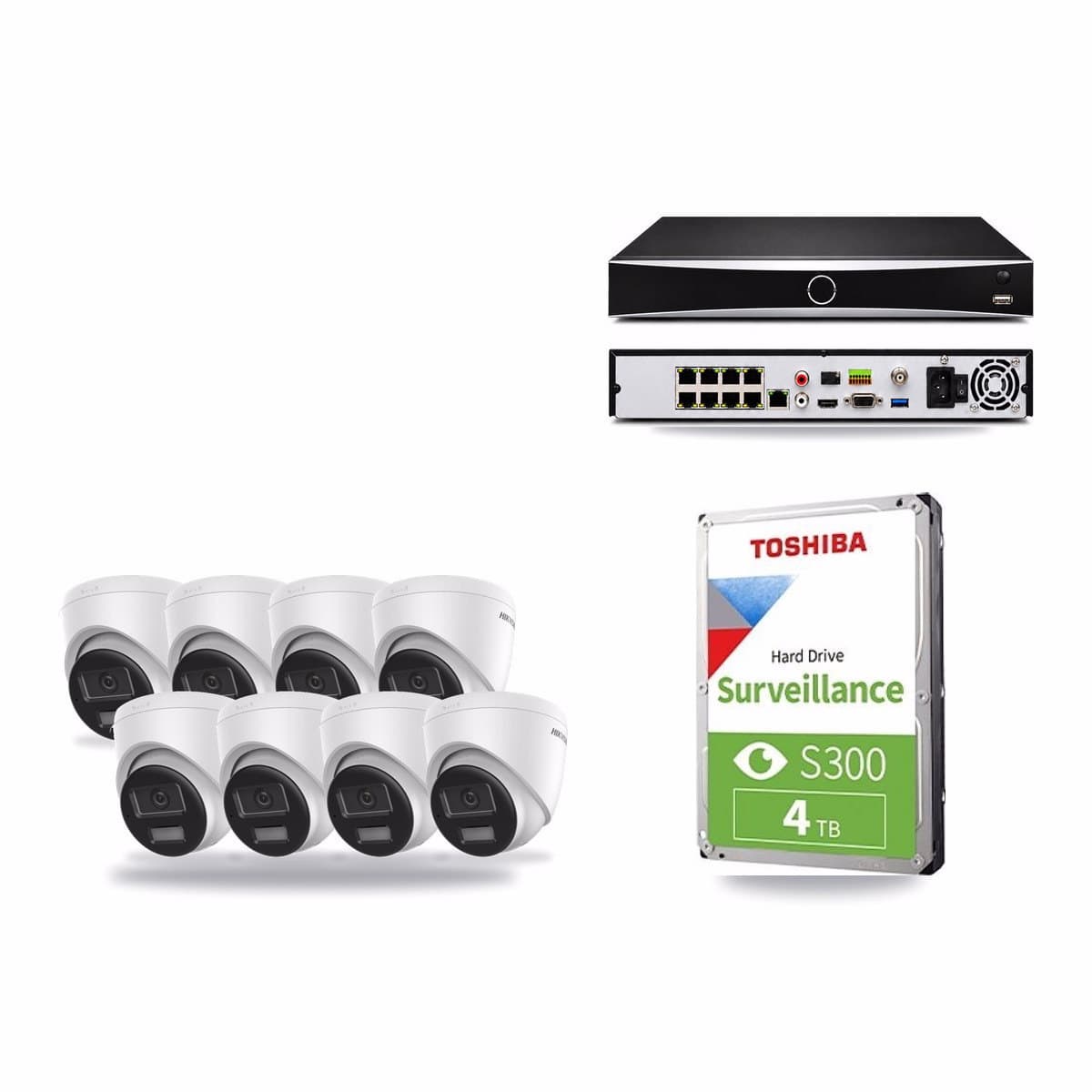
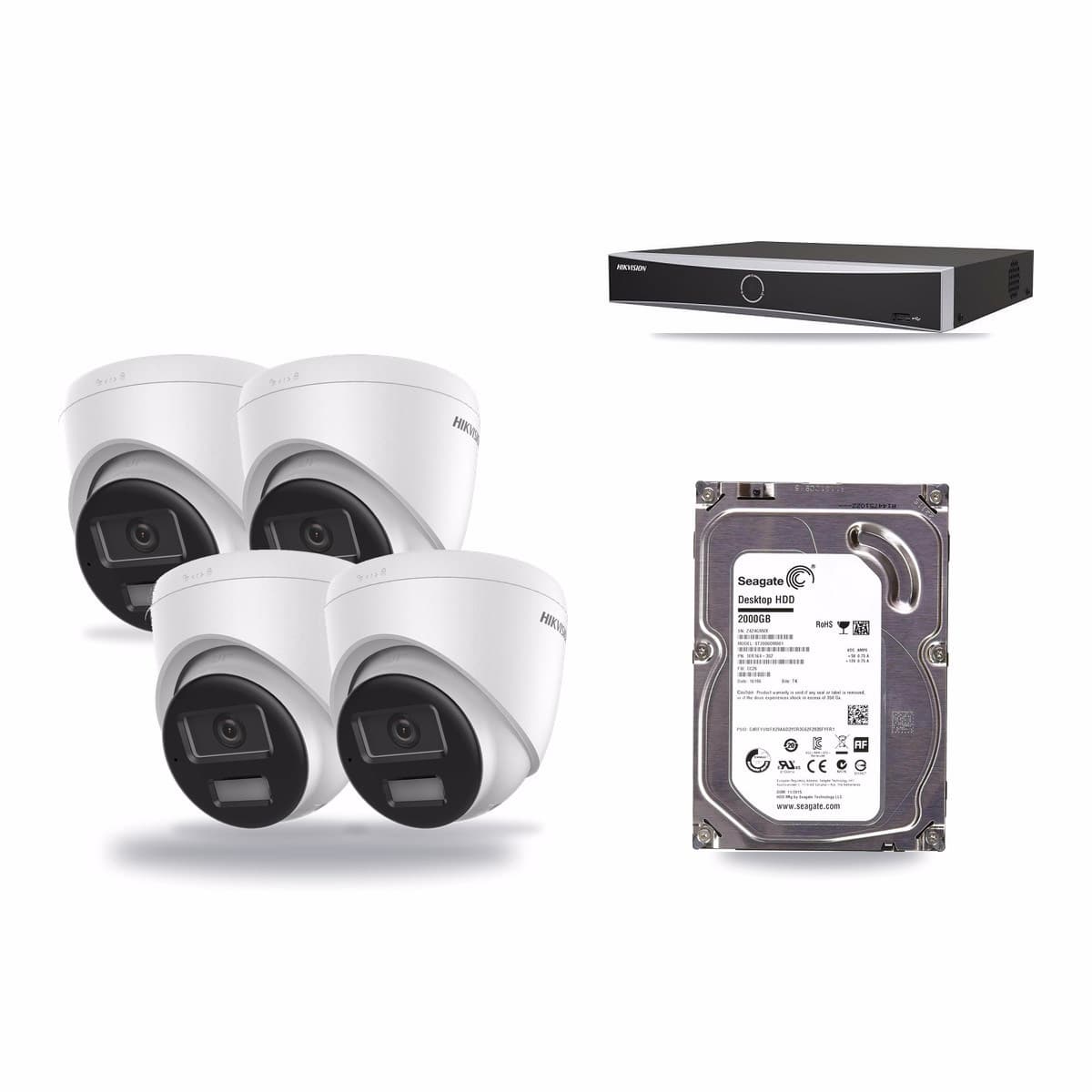
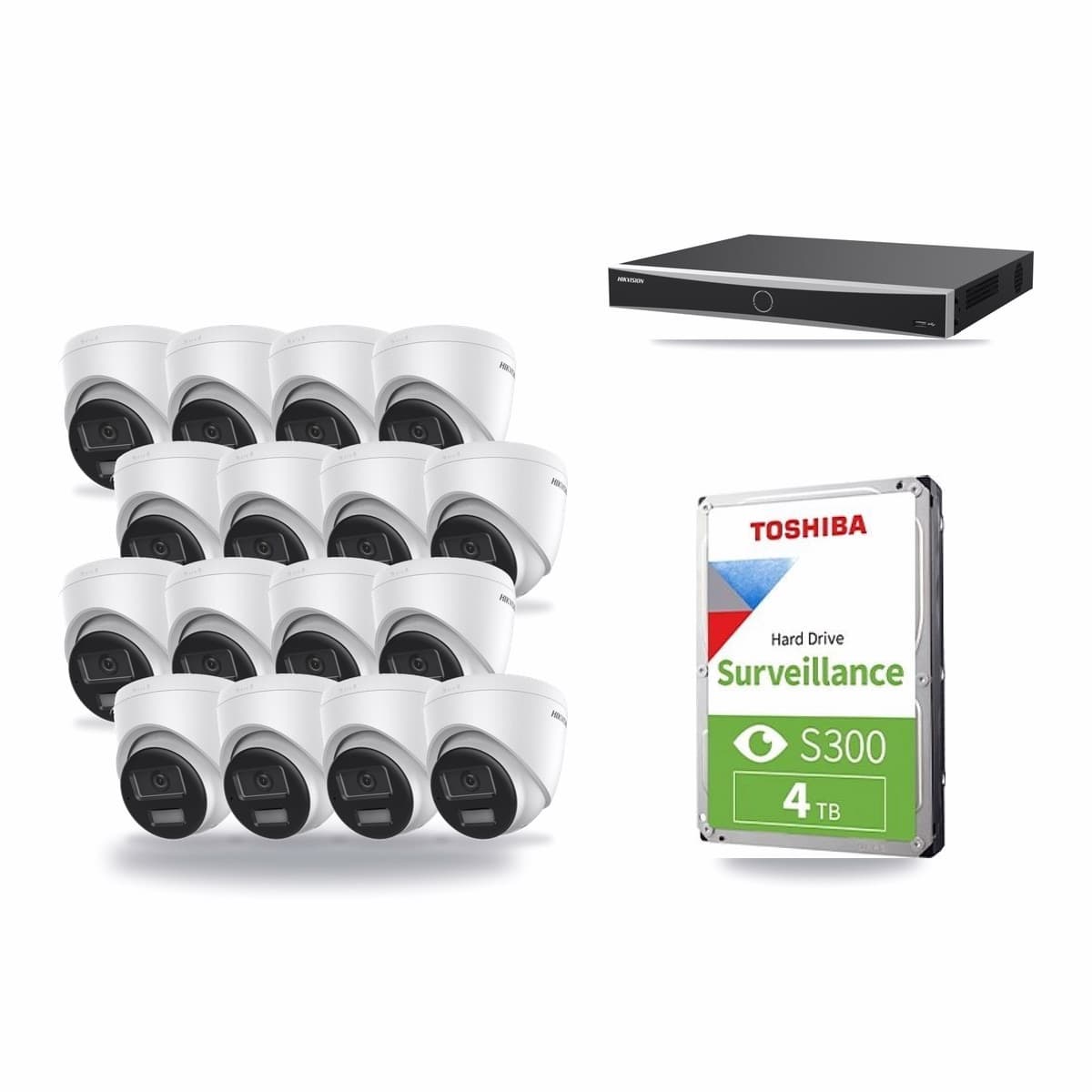
Each recorder has a fixed number of channels, and a kit's name says how many. For four places, the Hikvision 4-channel 8MP kit with 4 cameras and a 2TB drive has a DS-7604NXI-K1/4P recorder and four DS-2CD1383G2-LIU cameras. For a larger floor, a separate stock room and a yard, the 8-channel kit with 8 cameras and a 4TB drive has a DS-7608NXI-K1/8P recorder and eight of the same cameras. A warehouse or a building with many rooms points to the 16-channel kit with 16 cameras and a 4TB drive.
All three come with the hard drive already fitted, an HDMI cable for a monitor and a 20 m network cable for each camera. Each camera takes power and sends its picture down that one cable, so there is no mains socket to find at the camera. The DS-2CD1383G2-LIU camera in the first two kits has a fixed 2.8 mm lens, a 113° horizontal view and an IP67 housing for indoor and outdoor use. If you may add cameras later, choose a kit with a bigger recorder than you need now: our range has 8-channel kits with 4 cameras, which leave four channels free.
How many days the drive keeps
A drive holds fewer days with every camera you add. As a sum, if each camera records at 4 Mb/s all day, 4 cameras fill about 173 GB a day, so 2 TB keeps about 11 days. Eight cameras on 4 TB also keep about 11 days; sixteen cameras on 4 TB keep about 5. Your own figure depends on the picture quality and how much moves in front of the cameras, so treat these as a guide. Decide how many days you need before you choose, and ask us before ordering if you need a set number of days.
What the law asks of a business
A business that films people is handling personal information. The ICO guidance CCTV for your organisation: things you need to do and GOV.UK's page on using CCTV in your business set out the main duties:
- Signs. Put up signs where people can see them, such as a shop window, saying that CCTV is in operation, why, and who to contact.
- Registration. Register with the ICO and pay the data protection fee, unless you are exempt.
- Footage. Decide how long you keep it, write that down and do not keep it longer than you need. Control who can see recordings and use them only for the purpose they were installed for.
- Requests. Anyone can ask to see footage of themselves, and the system must let you retrieve it.
- Sound. The ICO says audio is hard to justify. The DS-2CD1383G2-LIU has a built-in microphone, so decide before you fit it whether you want sound recorded. If you do record it, say so on your signs.
This is a summary of public guidance, not legal advice; read both pages before the cameras go up.
Fitting it
We supply the kit and you or your electrician fit it. Walk the cable route from every camera to the recorder and add length for corners and ceiling voids. The box holds a 20 m lead for each camera, so a longer run needs longer cable; ask us before ordering if any camera is further away. Keep the recorder somewhere locked and dry, so footage stays with the people who should see it. Our CCTV for small business page lists more kits, and you can tell us where the cameras would go and ask which kit fits before you order.