


No kit we list says a monitor is in the box, so you add the screen yourself: any monitor or TV with an HDMI or VGA input will show the recorder's picture, and every kit lists an HDMI lead to connect it. Here is what a kit gives you for the screen and what to add.
What a kit gives you for the screen
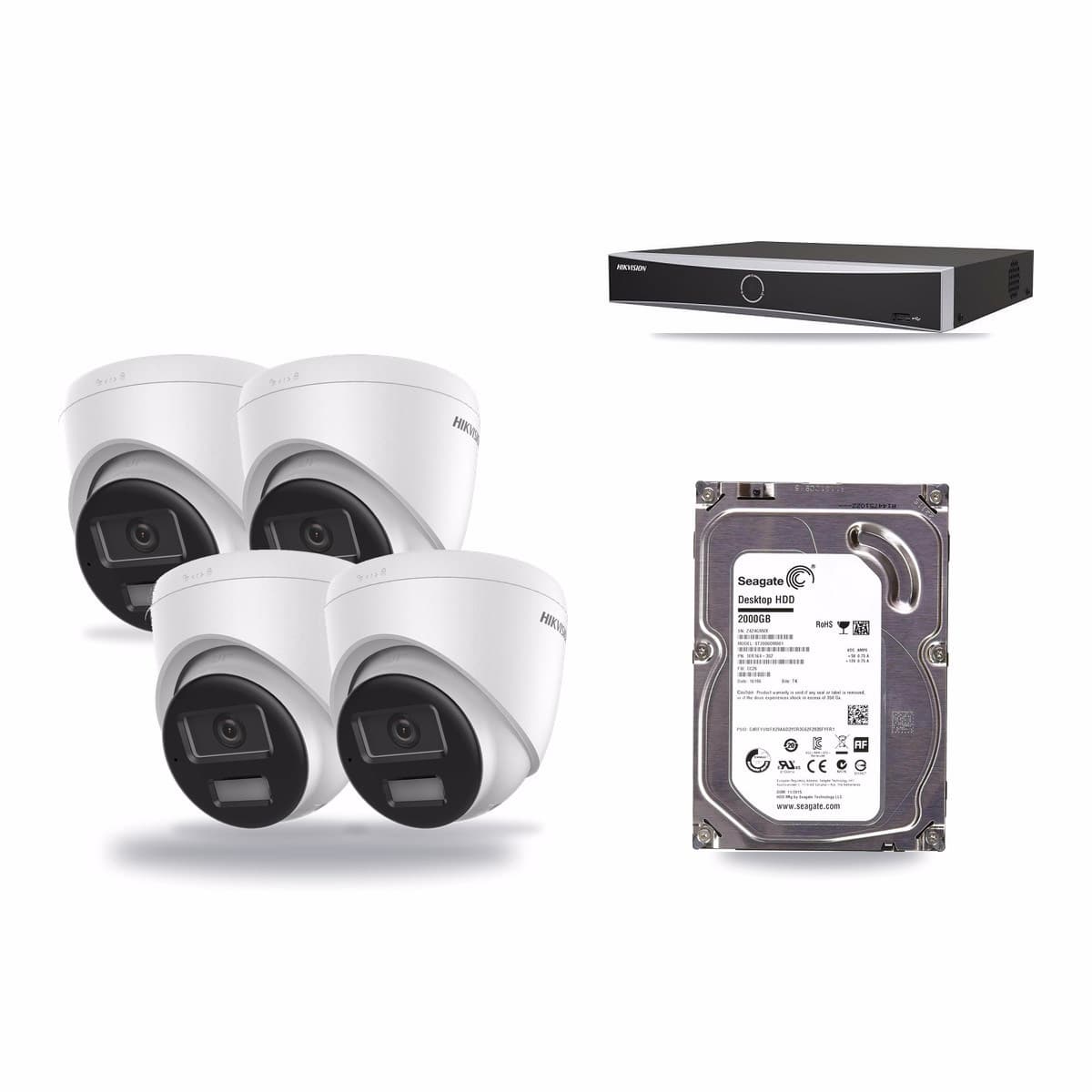
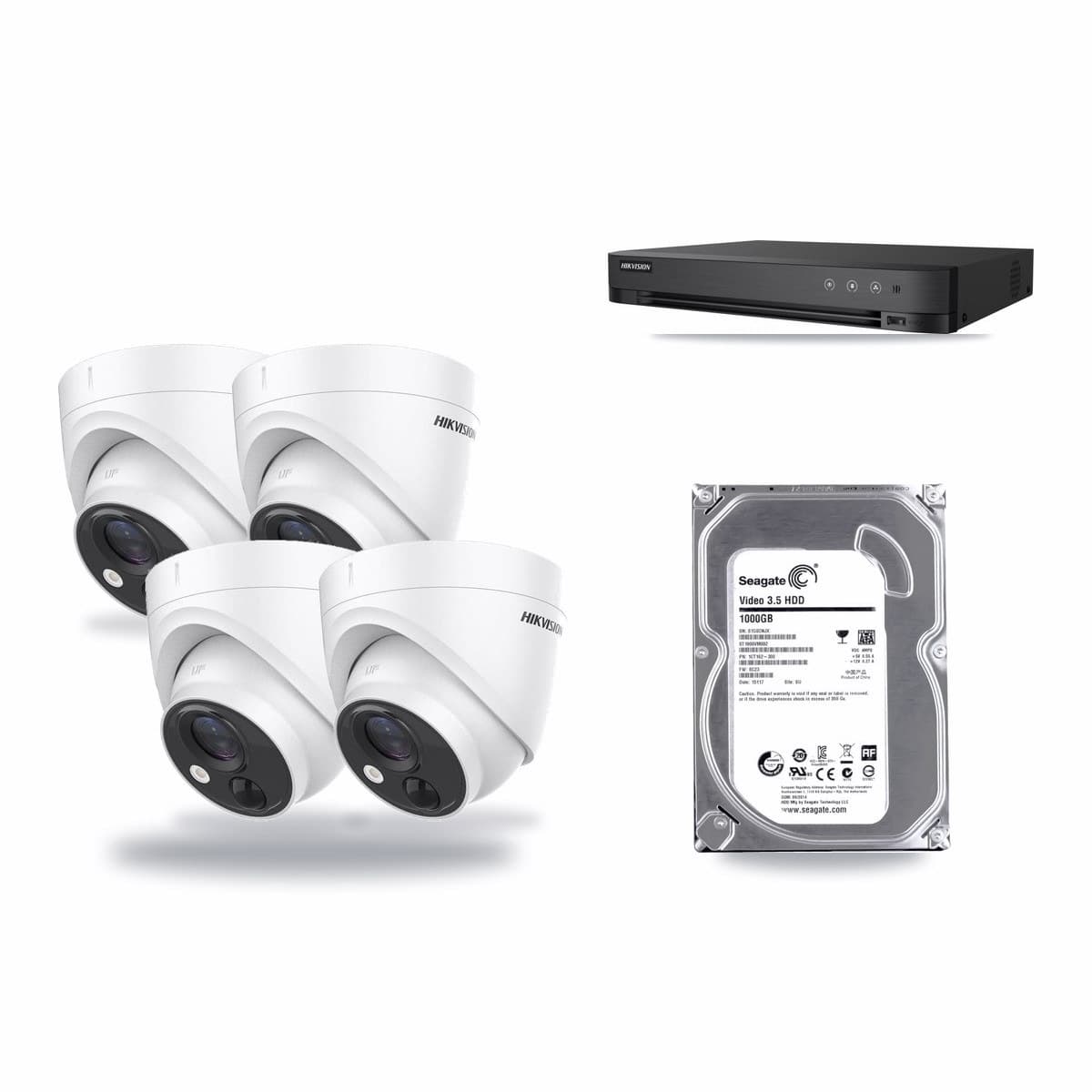
Every kit in our CCTV kits range lists a recorder, cameras, a hard drive and an HDMI cable. None lists a monitor, so budget for one separately. The recorder has the screen connection: HDMI output, and on the models below VGA too. The Hikvision 4-channel 8MP kit has a DS-7604NXI-K1/4P recorder, whose HDMI output goes up to 4K and VGA up to Full HD. The Hikvision 4-channel 5MP kit has an iDS-7204HQHI-M1/XT recorder, with HDMI and VGA outputs at up to 1920 × 1080 at the same time.
Which screen to add
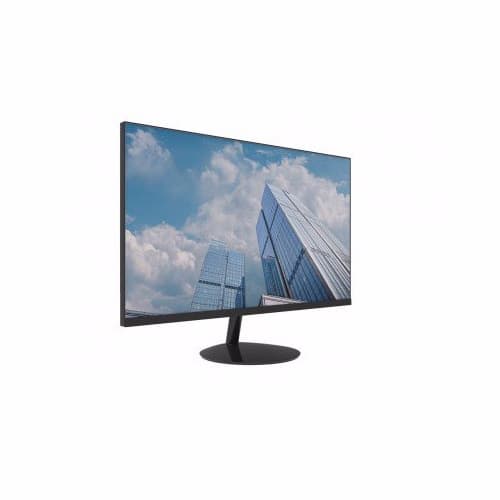
Our TV and monitor range includes the Dahua DHI-LM22-A200D, a 22-inch Full HD monitor for viewing CCTV footage, with HDMI and VGA inputs and 100 × 100mm VESA mounting. We also list a UKVISION 27-inch Full HD monitor and a Longse 32-inch monitor with HDMI, VGA and BNC inputs. A TV with an HDMI input also works: plug the kit's HDMI lead into it and pick that input.
Viewing on a phone
The DS-7604NXI-K1/4P offers remote access through Hik-Connect over its LAN port, so you can view it from a phone. The HDMI lead is in the box if you want to connect a screen too.
Screen distance
The HDMI lead in the two kits above is 1.5m, so the screen sits close to the recorder. Decide where the screen will go before you place the recorder. A longer run needs an extender, and we list HDMI extenders over network cable.