



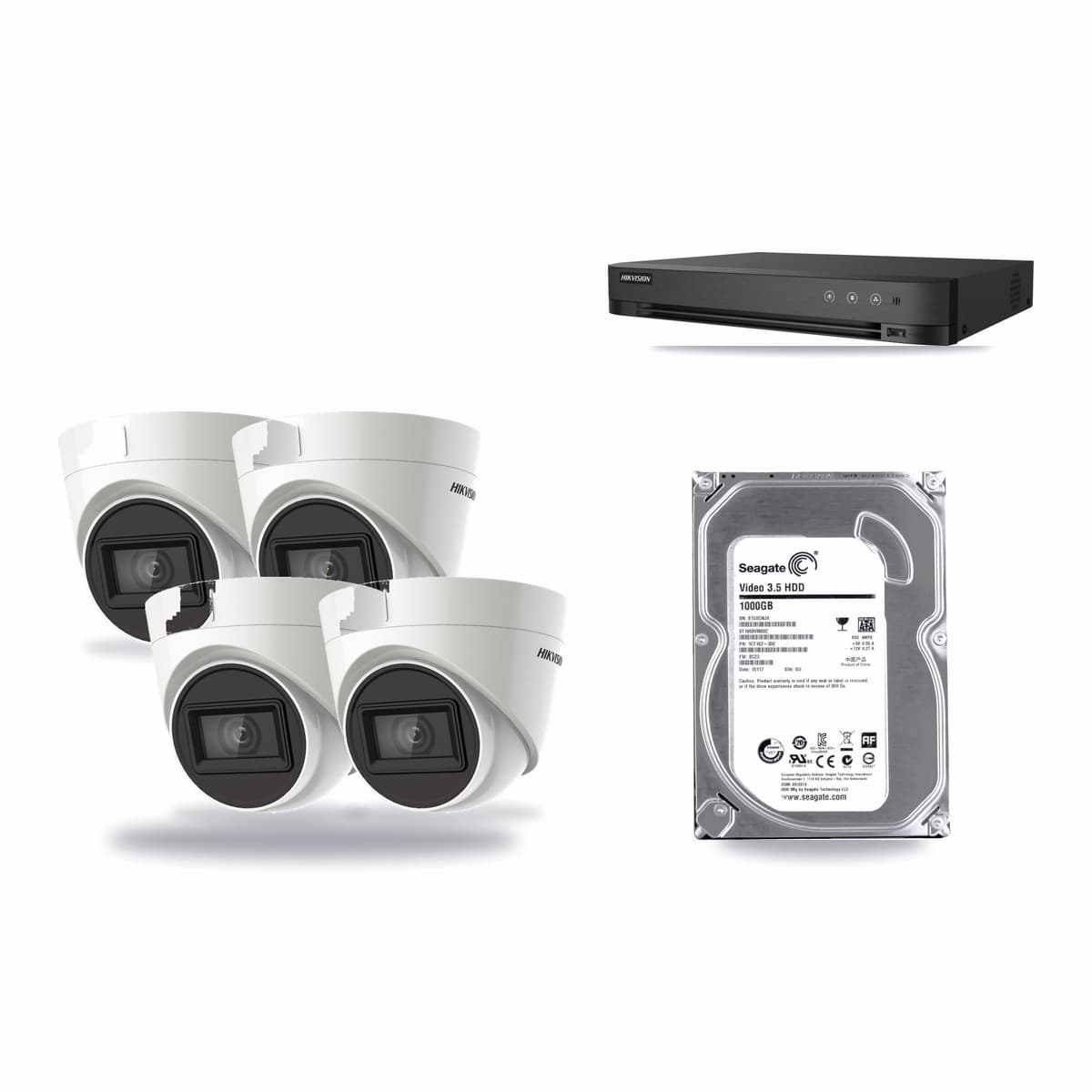
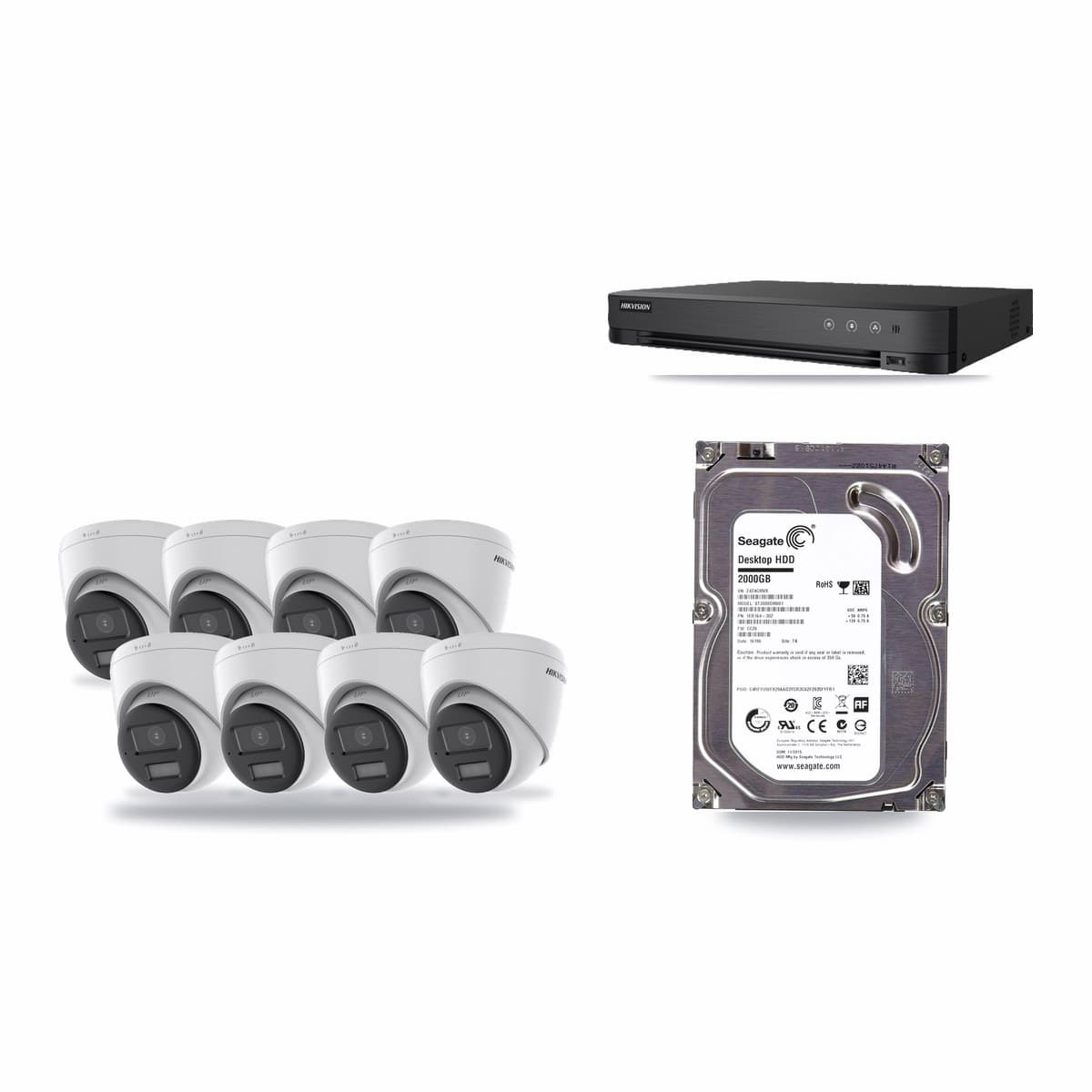
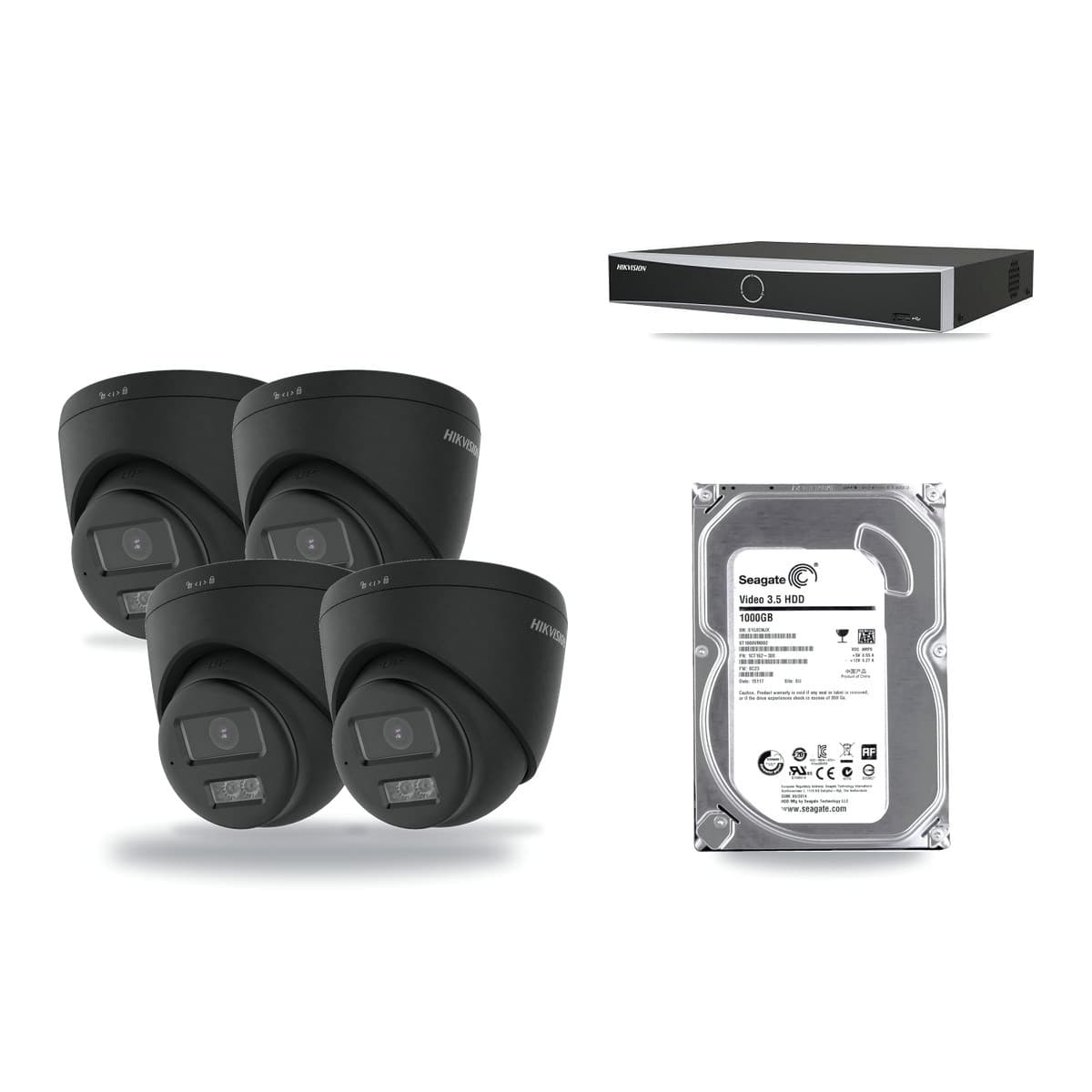
A CCTV kit records for as many days as its hard drive can hold, and you can work that out yourself: divide the drive size by the number of cameras and by the gigabytes each camera writes in a day. A 1TB drive with four cameras recording non-stop at 2Mbps each keeps about 11.6 days of footage before it is full. The figures in this guide are examples from typical bitrates, not promises, because your real bitrate depends on the camera, its settings and what it sees.
The five things that decide the days
- Number of cameras. Every camera writes to the same drive, so doubling the cameras halves the days.
- Bitrate. This is how much data each camera sends per second, in Mbps. A higher resolution camera, a busy scene and a high quality setting all push it up.
- Compression. H.265 is designed to give a similar picture in a smaller file than H.264. The recorders in the two Turbo HD kits linked below are listed as H.265 recorders, so check the compression setting is on.
- Continuous or motion recording. Recording only when something moves writes less on a quiet night and more on a busy one, so the days stretch by an amount we cannot give you in advance.
- Drive size. Our kits arrive with the drive already fitted, from 1TB up, and the drive size is in each kit's name.
The sum, step by step
Take a camera's bitrate in Mbps, multiply by 86,400 (the seconds in a day) and divide by 8 to get megabytes a day. Counting 1TB as 1,000GB, that gives these amounts for one camera recording all day and night:
| Bitrate a camera | Written in a day |
|---|---|
| 1Mbps | about 10.8GB |
| 2Mbps | about 21.6GB |
| 4Mbps | about 43.2GB |
| 8Mbps | about 86.4GB |
Then divide the drive size in gigabytes by cameras multiplied by the figure above. For a 2TB drive and eight cameras at 2Mbps: 8 × 21.6 = 172.8GB a day, and 2,000 ÷ 172.8 is about 11.6 days.
Four kit examples
These use kits we list. Each row assumes every camera records constantly at the same steady bitrate, so treat them as examples, not as what you will see.
| Kit | Days at 2Mbps | Days at 4Mbps |
|---|---|---|
| 4 cameras, 1TB drive (4K Turbo HD) | about 11.6 | about 5.8 |
| 8 cameras, 2TB drive (3K Turbo HD) | about 11.6 | about 5.8 |
| 4 cameras, 2TB drive (PoE, 4K) | about 23.1 | about 11.6 |
| 8 cameras, 4TB drive (4K Turbo HD) | about 23.1 | about 11.6 |
The pattern is easy to see: the same days need twice the drive when you double the cameras. If you want to keep more days than a kit gives, pick a bigger drive or fewer cameras, or lower the bitrate in the camera's stream settings.
How many days do you need?
Work backwards from how soon you would notice a problem. If you check the recorder every day or two, a week is plenty. If you go away for a fortnight, you want more than fourteen days to cover the time before you can look. Add a margin, because a busy scene or a higher resolution uses the drive faster than the example figures.
The law points the other way too. GOV.UK's guidance on domestic CCTV says you should not store images for longer than is necessary to protect your property, and the ICO says to delete footage regularly or automatically. A recorder set to overwrite the oldest files does this for you, so a huge drive is not always the aim.
Choosing a kit by days
Start with the camera count, because it sets how fast the drive fills. Our 4-camera kits and 8-camera kits come with the drive fitted, and our IP (PoE) kits use one Cat6 lead per camera. If you need more room later, our storage range lists drives by size. Ask us before ordering if you need a set number of days and are unsure which drive size gets you there.