



Home CCTV is simple to keep on the right side of the law if your cameras only record your own property. The Information Commissioner's Office (ICO) says that where possible you should position cameras to capture only your own property. If a camera also captures someone else's property, a public area or a communal space, data protection law applies, because the footage can include other people's images and voices, which count as their personal information. This checklist follows the ICO guidance, Home CCTV systems, and is not legal advice.
The checklist
- Point cameras at your own property. The ICO says to point cameras away from a neighbour's property, a public area or a communal space where possible. Check the live view from each camera after fitting it, not just the position on paper.
- Capture no more than you need. Think about which area needs covering and whether images, audio or both will be recorded. Where possible the ICO also suggests filters or privacy blockers that blur or block out part of the picture, for example a neighbour's garden.
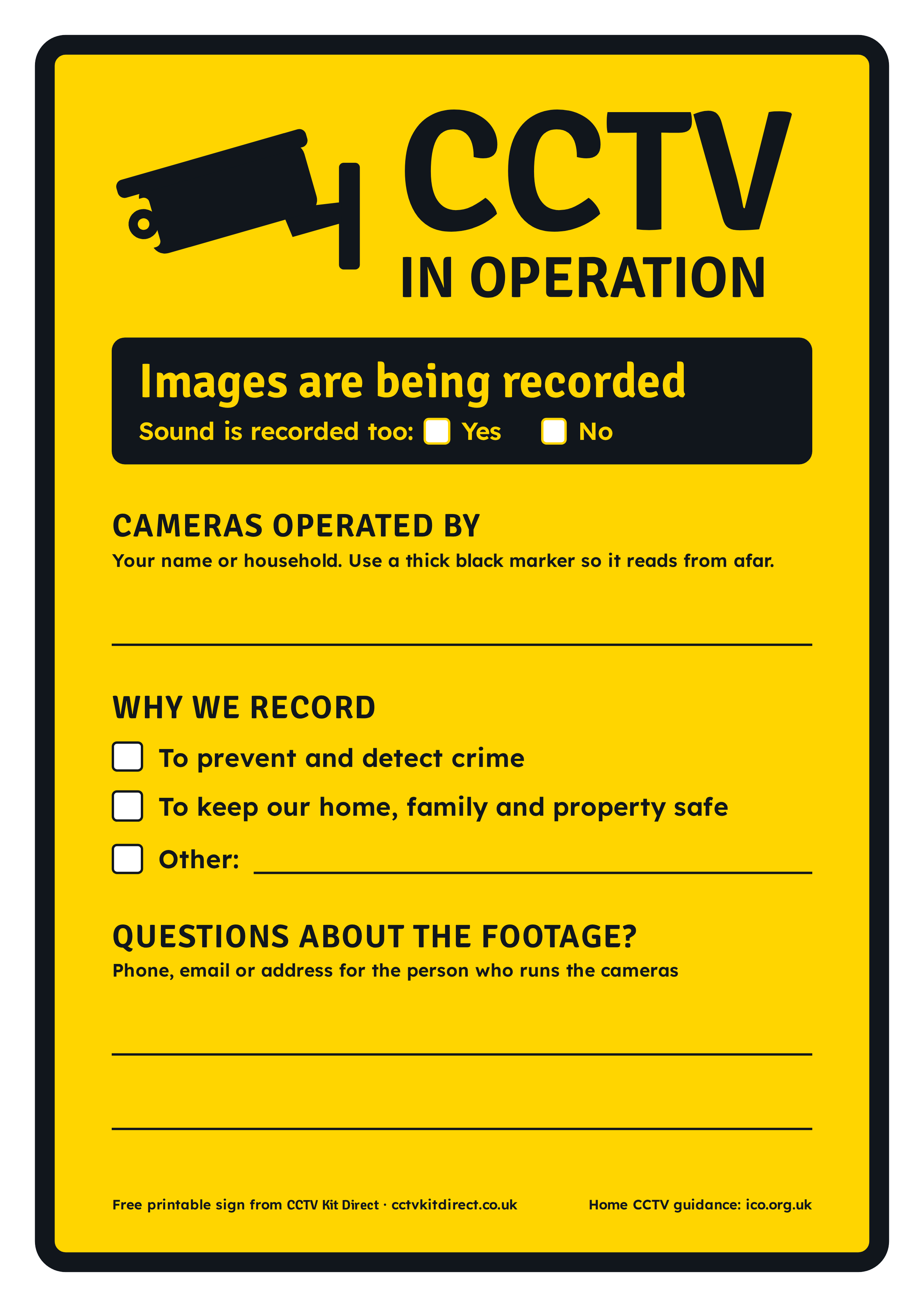
- Put up a sign. If your camera records beyond your boundary, the ICO says you must let people know, for example by displaying a sign that shows CCTV is in operation. The ICO page does not set out sign wording. Our free printable sign is linked below.
- Have a clear reason. Most people use CCTV to protect their home and family. The ICO says you should be able to show that your interests outweigh any intrusion on other people's privacy, and that consent is rarely needed for home CCTV.
- Delete footage regularly. The ICO says to delete footage regularly or automatically, or both. It does not give a set number of days, so choose the shortest period that still covers your reason for recording.
- Store recordings securely. Footage should be stored securely and be available only to people who need it. Set a password on the recorder and do not share the login.
- Be ready for requests. A person who appears in your footage can ask for a copy (a subject access request). The ICO says data protection law usually requires a response within one calendar month. They can also ask you to delete it or object to being recorded; if you cannot justify carrying on, you must stop recording them or reposition the camera.
- Think about sound. The ICO treats voices as personal information as well as images. If a camera or recorder captures audio, decide whether you need it at all.
- If a neighbour complains, talk first. The ICO suggests starting by talking or writing to the CCTV owner. If you are the owner, explain why you installed the camera, offer to show what it records and consider repositioning it or applying a privacy filter.
Free printable CCTV sign
Download our free A4 sign, CCTV sign (PDF), or the 300 dpi PNG. It has spaces to write who runs the cameras, why you record, whether sound is recorded and a contact for questions. Fill it in with a thick black marker, then laminate it or put it in a plastic sleeve before fixing it where people can see it.
If someone complains about your camera
The ICO says that in most cases it cannot remove a person's camera, force it to be moved, retrieve footage for someone else or take court action for them. For a wider dispute it points to government steps: try talking informally, contact the landlord if your neighbour rents, use a mediation service, and treat legal action as a last resort. If a dispute involves violence or harassment, the police are the right contact.
Choosing a system that is easy to keep within the rules
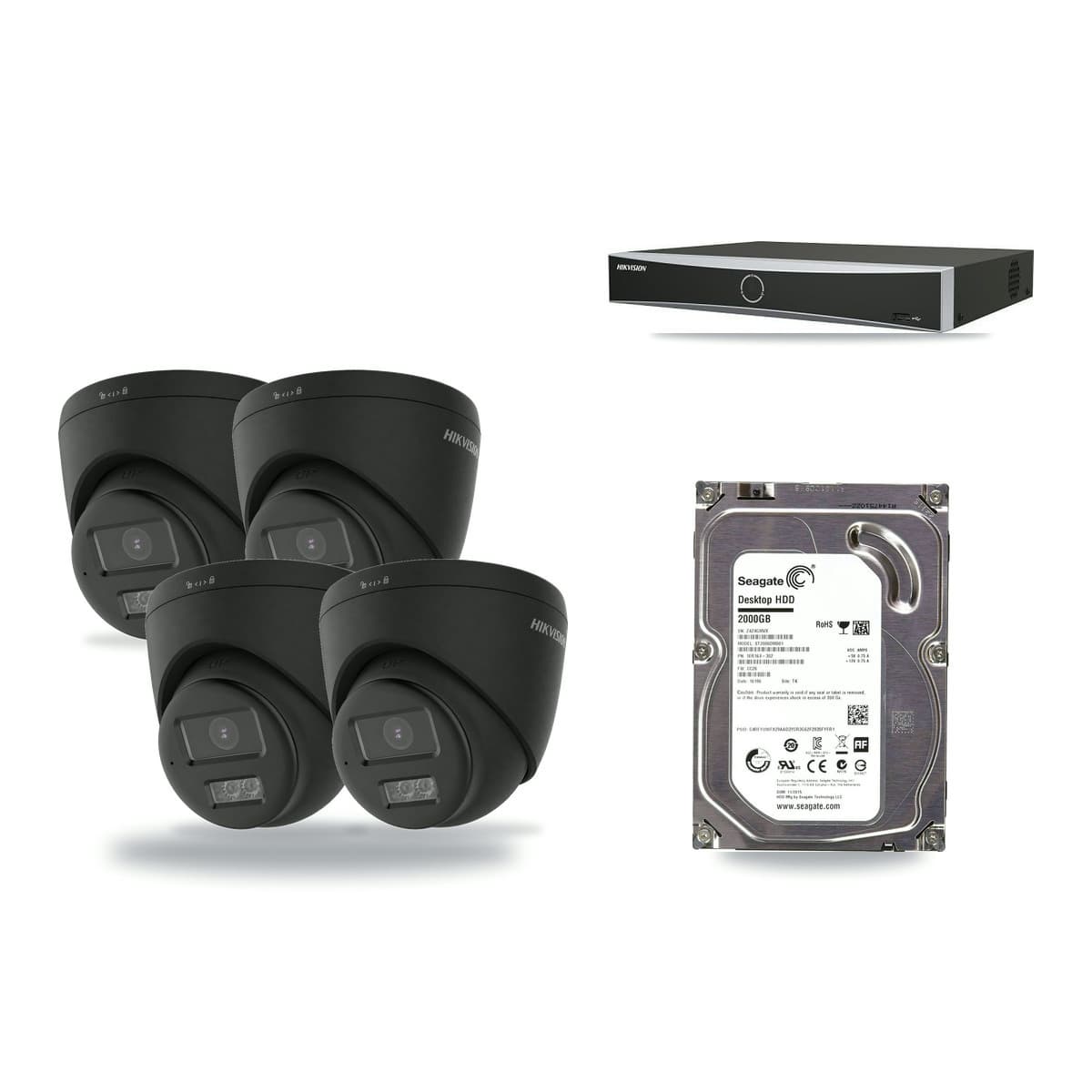
A recorder with a hard drive already fitted makes it easier to manage storage and deletion in one place. Our Hikvision CCTV kits come with the recorder, cameras and hard drive in one box. If you can run network cable, see the IP (PoE) kits, or browse the 4 camera kits.
Read the full guidance on the ICO website before you fit your cameras.