
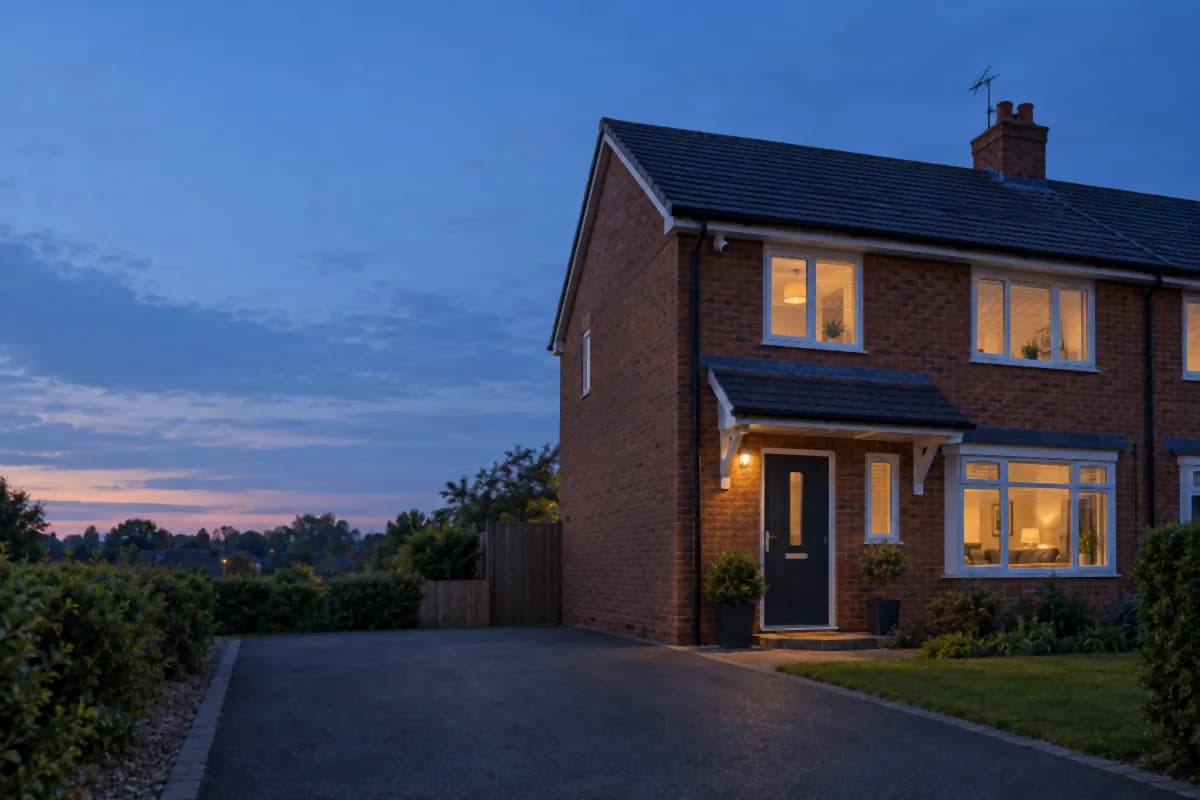


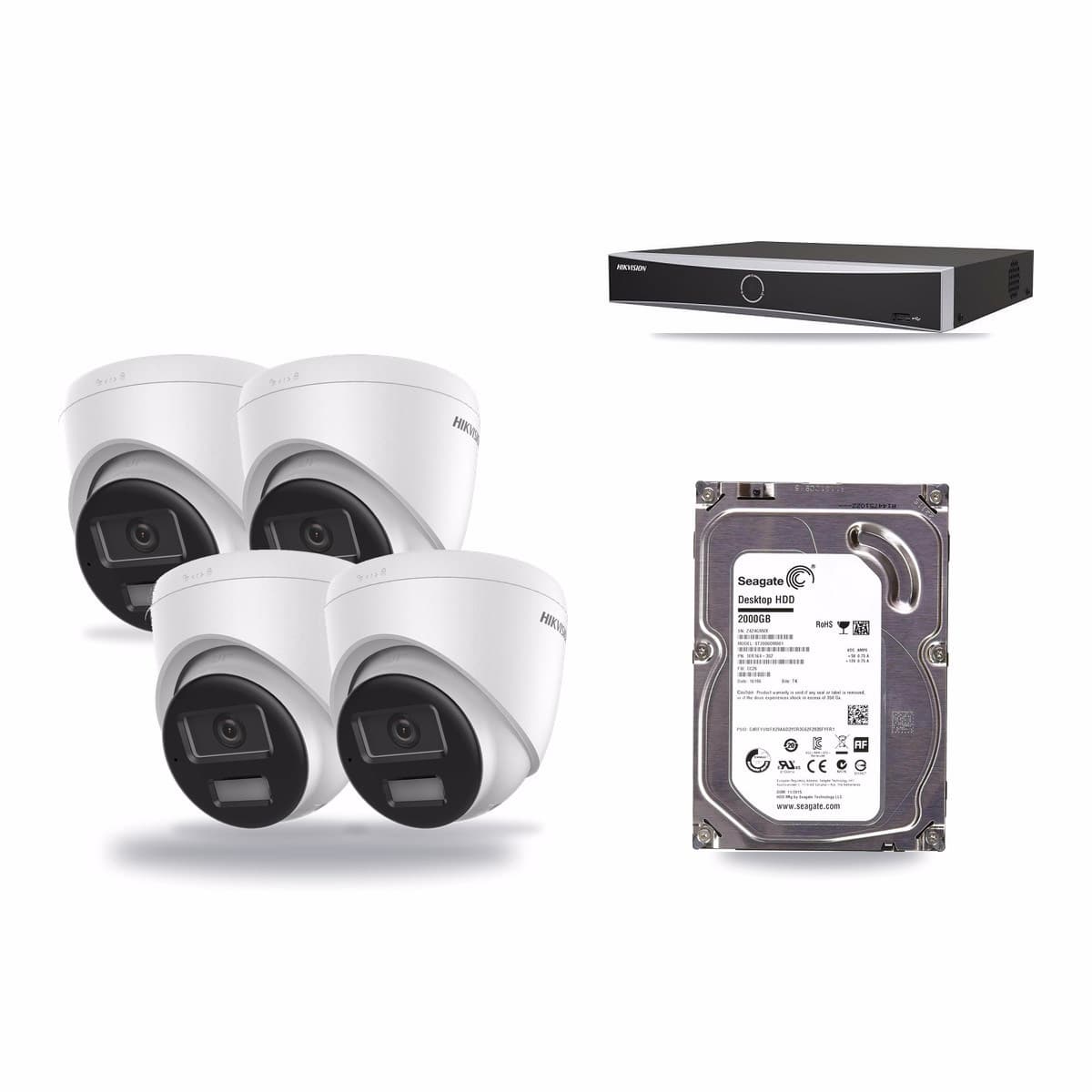
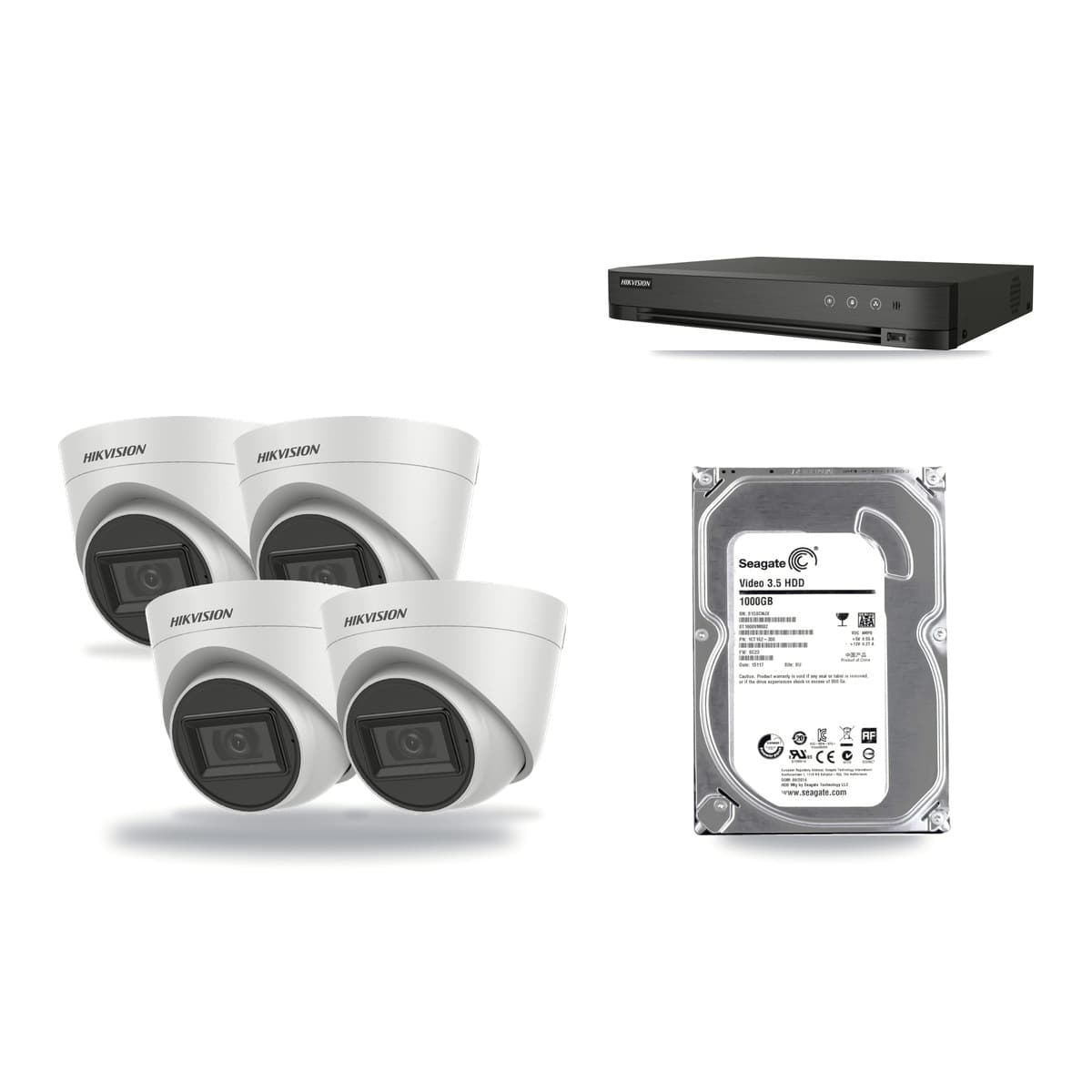
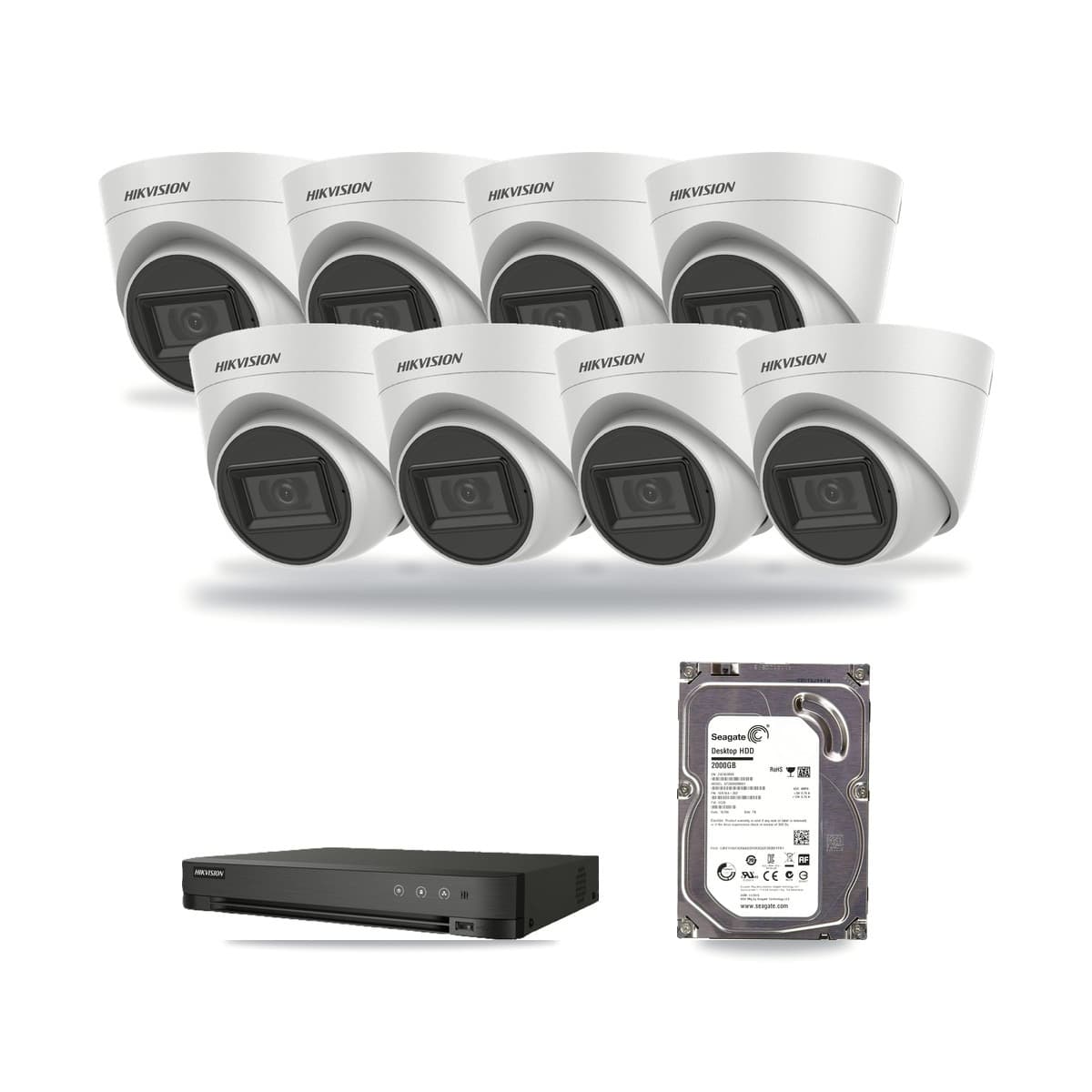
There is no single best home CCTV system for every house; the right one is the one that covers your own doors and drive, uses a cable you can actually run, and keeps enough days of recordings on its drive. Work through four choices in this order: how many cameras you need, PoE or coax cable, camera resolution, and how big a hard drive you want. Every kit we sell is Hikvision and comes in one box with the recorder, the cameras and a hard drive already fitted. This guide takes the choices one at a time, then points to the kits and pages that fit each answer.
The short version
- Cameras: count the places you want to see, not the rooms. Up to four places fits a 4-camera kit; five to eight fits an 8-camera kit.
- Cable: choose PoE (network cable) if you can run new cable, or coax if good coax is already in the walls.
- Resolution: our PoE kits come in 4MP, 8MP and 4K; our coax kits in 3K, 5MP and 4K. Match the recorder to the cameras; they do not mix.
- Storage: the days a drive keeps depend on how many cameras record and at what rate. The table below shows the sum.
- Law: point cameras at your own property, put up a sign and delete footage regularly.
How many cameras do you need?
Count places, not cameras. Walk round the outside and note each spot where someone could approach: the front door, the drive, the back door or garden, a side passage or gate, and the hall inside. Our CCTV planner does the counting: it gives one camera to each area you tick. Two types of site get more, because one camera cannot see them: a farm yard gets two, one at each end, and a shop gets two inside.
The planner rounds the total up to the next kit we sell. Up to 4 cameras fits a 4-camera kit, and 5 to 8 cameras fits an 8-camera kit. Any cameras you do not need yet are extra cameras to place where you like, whether that is a spare camera in a 4-camera kit or in an 8-camera kit.
For the three places most houses start with, the planner suggests these positions:
| Area | Where the camera goes |
|---|---|
| Front door | Above the front door, 2.5 m up |
| Drive or parking | On the front corner, looking along the drive |
| Back garden or rear door | Under the back eaves, looking down the garden |
The planner is a plan, not a survey. A long run, a very wide space or a dark corner may need another camera, and if you are unsure, add one: the bigger kit gives you cameras to spare.
Leave room to add cameras later
To add a camera later, the recorder needs a free channel, and a 4-channel recorder with 4 cameras has none. If you expect to add a spot such as a side gate, choose an 8-camera kit, or one of the PoE kits that pairs a 16-channel recorder with only 4 or 8 cameras and so leaves channels free. Our guide to how many cameras a Hikvision kit needs goes through the counting in more detail. For small jobs there is a separate guide to the 2 camera kit, and the 8 camera kit guide sorts the 19 kits it lists into four groups.
Wired CCTV: PoE, coax, or wireless?
None of the kits we sell is wireless. Every one is a wired Hikvision kit, with either PoE network cables or coax cables between the cameras and the recorder. If you are choosing the best wired CCTV system for a UK house, the choice is between those two cable types.
| PoE (IP) kit | Coax (Turbo HD) kit | |
|---|---|---|
| Cable to each camera | One network cable into a PoE port on the recorder | One BNC video cable with a DC power lead, plus a power supply with a splitter |
| Power at the camera | Over the same network cable, so no power lead at the camera end | From the power supply, through the lead |
| Cable in the box | A 20m Cat6 patch cable for each camera | A 20m RG59 cable with power lead for each camera |
| Mains socket | One, for the recorder | One more, for the power supply |
| Resolution in our kits | 4MP, 8MP and 4K | 3K, 5MP and 4K |
The two types are not interchangeable: a coax recorder takes coax cameras and a PoE recorder takes network cameras, so buy the same type if you add cameras later. Check what is already in the walls. If you have coax, check its condition and connectors before you plan to use it with a coax kit; if you are starting from nothing, network cable is the neater route. Coax kits suit homes where coax cable is already in place, because they reuse the coax and power cable that many older systems already have. Our PoE or coax guide sets the two side by side, and the IP (PoE) kits and Turbo HD kits pages list each type.
What about wireless?
A wireless camera only removes the video cable. It still needs power at the camera, from a mains adapter or a battery, and a WiFi signal that reaches it; thick walls, outbuildings and long gardens weaken the signal. A wired kit does not rely on your WiFi. If you cannot run any cable to a spot, a wireless camera with its own power supply is the better fit there, and a wired kit covers the rest of the house. Our wireless or wired kit guide has the full comparison.
Resolution: what 4MP, 5MP and 8MP mean for a kit
Resolution is stated in each kit title. Our PoE kits are 4MP, 8MP or 4K, and our coax kits are 3K, 5MP or 4K. The 4K cameras are 8MP. The recorder has to suit the cameras: the DS-7604NXI-K1/4P recorder, for instance, gives HDMI output up to 4K resolution, so an 8MP camera on it can be watched in 4K on a screen that takes it.
Lens and reach matter as much as the megapixel count. The DS-2CD1383G2-LIU 8MP turret camera has a fixed 2.8mm lens with a 113° horizontal field of view. The DS-2CD2T47G2H-LISU/SL, a 4MP bullet camera, has a 104° horizontal field of view and light coverage up to 60 metres. A wider view takes in more of a garden; a longer light reach helps on a long drive. Choose the resolution for the size of the area and the screen you will watch on, and do not assume a higher number fixes a camera that is in the wrong place. Our 4K kit guide lists the 4K sets for both cable types.
Storage: how many days will the drive keep?
Each kit has its drive fitted, and the size is in the kit title. In our kits, 4-channel recorders come with 1TB or 2TB, 8-channel with 2TB or 4TB, and 16-channel with 2TB, 4TB or 6TB. How many days that keeps is a sum, and the sum needs an assumption. The same recorder and cameras are sold with different drives, so two kits that look alike can keep a different number of days.
Assume each camera records at 4 Mb/s, all day. Four cameras then fill about 173 GB a day, so a 1TB drive keeps about 5 days and a 2TB drive about 11 days. The table works the same sum for the kit sizes we sell:
| Cameras | Drive | Filled each day (4 Mb/s a camera) | Days kept |
|---|---|---|---|
| 4 | 1TB | about 173 GB | about 5 |
| 4 | 2TB | about 173 GB | about 11 |
| 8 | 2TB | about 346 GB | about 5 |
| 8 | 4TB | about 346 GB | about 11 |
| 16 | 4TB | about 691 GB | about 5 |
| 16 | 6TB | about 691 GB | about 8 |
These figures are an example, not a promise: they assume 4 Mb/s a camera and recording all day, and 1 GB as 1,000 MB. Double the rate and you keep about half as long; halve it and you keep about twice as long. Your own rate may differ, so do the sum again with your own figure. If you need more days than a kit's drive gives, the recorder is the limit to check: the DS-7604NXI-K1/4P, for example, takes one SATA drive up to 10TB.
Night vision: ColorVu and infrared
Check what each camera does when the light goes. Some of our cameras use ColorVu technology for 24/7 colourful imaging. Our DS-2CD2387G3-LIS2UY/SL 8MP camera also has a Smart Hybrid Light that integrates infrared and white lights, with three supplemental lighting modes. The DS-2CD1383G2-LIU has the same Smart Hybrid Light, using infrared and white light up to 30 metres.
Two PoE kits to look at if night colour matters to you are the 4-channel kit with four 4MP DS-2CD2347G2-LSU/SL ColorVu cameras and the 8-channel kit with four 8MP DS-2CD2387G3-LIS2UY/SL ColorVu cameras. We do not promise a particular picture at night from any camera in this guide. Compare the lens, the light reach and the resolution, and put the camera where the light you have suits it.
What comes in the box
A kit is more than cameras. The 4-channel 8MP PoE kit, for example, holds a DS-7604NXI-K1/4P recorder, four DS-2CD1383G2-LIU cameras, a 2TB hard drive already fitted, four 20m Cat6 leads and an HDMI lead. A coax kit adds the power side: the 4-channel 5MP coax kit comes with four 20m RG59 leads with a DC power lead, and a 12V 3A power supply with a four-way splitter. PoE kits include an HDMI cable for the monitor, so have a screen or TV with an HDMI input ready. The recorder can also be watched remotely through Hik-Connect.
Where to put the cameras
Put cameras where they see the approach to your doors and drive, not just the middle of the garden. The planner positions in the table above are a starting point. Our driveway CCTV guide goes through the front corner and the front door in detail.
- Measure each cable run. Measure from the camera position to the recorder, following the route the cable will take, and compare it with the cable length in the box. The leads in our kits are 20m each.
- Decide where the recorder lives. It needs a mains socket; a coax kit also needs one for its power supply.
- Check the live view after fitting, not just the position on paper, especially at the edges of the picture.
CCTV and the law at home
The Information Commissioner's Office (ICO) says that where possible you should position cameras to capture only your own property. If your camera also captures someone else's property, a public area or a communal space, data protection law applies. In that case the ICO says you must consider what area needs covering and what images or audio will be captured, install signage that indicates CCTV is in operation, store the footage securely, and delete it regularly or automatically, or both. A person who appears in your footage can ask for a copy, and the ICO says you should usually respond within one calendar month.
The ICO also treats sound as part of the rules: it refers to images or audio, or both. Some of our cameras have a microphone, such as the 5 MP audio turret cameras in the 4-channel coax kit, so decide whether you want sound recorded at all.
That is a summary, not legal advice. Read the ICO's home CCTV systems guidance before you fit anything. Our home CCTV and the law checklist turns it into steps and has a free printable sign.
Mistakes to avoid
- Choosing by the number on the box. Count your places first, then pick the kit that covers them.
- Buying a full recorder. A 4-channel recorder with 4 cameras has no free channel for the next one.
- Mixing cable types. A coax recorder takes coax cameras and a PoE recorder takes network cameras.
- Guessing the cable run. Measure it along the route the cable takes, and compare it with the length in the box.
- Pointing a camera past your boundary. Where possible, capture only your own property.
Fitting it yourself, or with an electrician
A PoE kit is the simpler job for most people: one network cable runs to each camera and carries both power and picture, so there is no power lead at the camera end. A coax kit adds a power lead at each camera and a power supply with a splitter, which means a mains socket near the recorder as well as a cable run from every camera back to it.
The recorder can be watched remotely through Hik-Connect. The cable runs through walls, lofts and soffits are the part that takes the time: if you do not want to drill or climb, or there is no mains socket near where the recorder will sit, ask a local electrician or installer to do the cable runs or add the socket. Doing that part yourself or hiring it out does not change which kit you need, so choose the kit first.
Which kit should you choose?
Use the planner count and your cable to pick from this table. The kits named here are examples from each group, and every kit page lists exactly what is in the box.
| You want | Look at |
|---|---|
| A house with up to four places, new network cable | The 4-channel 8MP PoE kit: a DS-7604NXI-K1/4P recorder, four DS-2CD1383G2-LIU cameras, a 2TB drive and four 20m Cat6 leads |
| A house with up to four places, coax already in the walls | The 4-channel 5MP coax kit: an iDS-7204HQHI-M1/XT recorder, four DS-2CE78H0T-IT3FS cameras, a 1TB drive, four 20m RG59 leads with power and a 12V 3A power supply |
| Five to eight places, coax | The 8-channel 5MP coax kit: eight cameras, a 2TB drive, eight 20m RG59 leads and a 12V 5A eight-way supply |
| Colour at night | The 4MP ColorVu PoE kit or the 8-channel 8MP ColorVu PoE kit |
To browse by size, use the 2 camera, 3 camera, 4 camera, 8 camera and 16 camera kit pages, or see every set under CCTV kits. If you want a recorder explained part by part, the NVR kit guide reads a kit title item by item. If you are buying for a farm, a shop or a garage, our farm, shop and garage pages start from those sites rather than a house. You can also see our whole Hikvision range.
Before you order: a checklist
- Count your places with the CCTV planner, and add one if you are unsure.
- Choose PoE or coax by the cable you have or are willing to run.
- Check the recorder has a free channel if you may add cameras.
- Measure every cable run against the 20m leads in the box.
- Pick the drive from the days-kept table, using your own recording rate.
- Check each camera's live view after fitting so it keeps to your own property.
Written by the Kit Direct team.